Lego Sleeping Beauty Fan Art Project
Another lego fan art project..this one is much more of a WIP. *This is not an IP related project, only for fun to see what I could model with ZBrush and recreate some iconic scenes.
A while back I was having some fun playing around with ArrayMesh in ZBrush, and decided to build a Library of Lego pieces and recreate some of my favorite scenes. I was experimenting with all kinds of ways to build stuff using ZModeler to build all lego pieces to scale (mm) as well as playing around with ArrayMesh to instance walls and ground, and NanoMesh to cheat a little bit.
This project is still a WIP to complete but here are some renders of the scene as it stands as well as some scene setup images smiley
Everything in this is modeled solely with ZBrush ZModeler, Sculpting, ArrayMesh, and NanoMesh.
*ArrayMesh was particularly handy for creating these cylinderical towers!
As always, thanks for checking this out :)

First I modeled over 100 lego parts to scale. Once I had those, this was the first thing I built with those parts as a test preview for the scene.

First I decided to blockout the scene with ZModeler and then populate the main components with the more detailed lego builds as I complete them
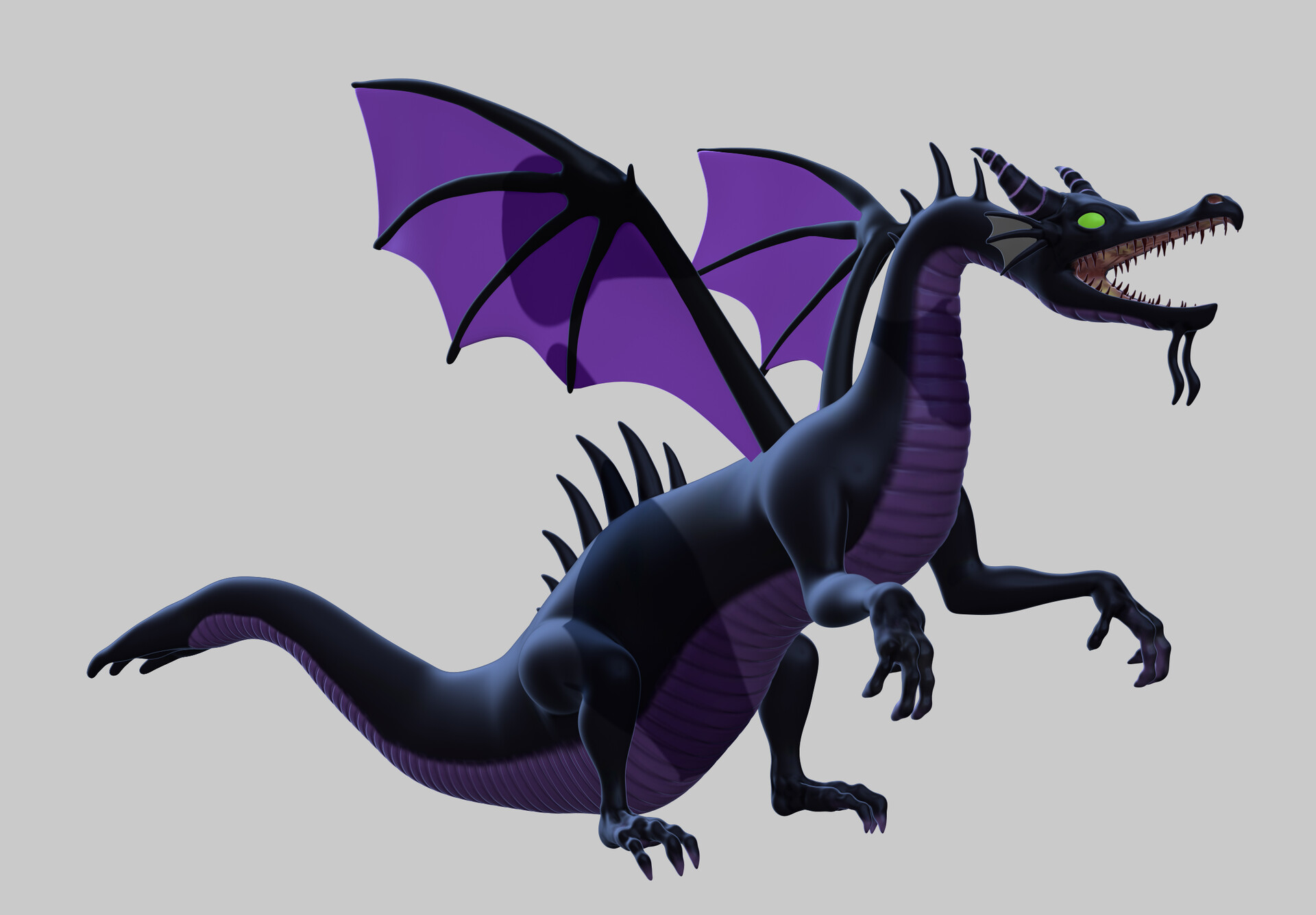
First I sculpted the dragon, as quickly as possible to then and use a technique to remesh, I can make this look more lego-like. (see next slide)
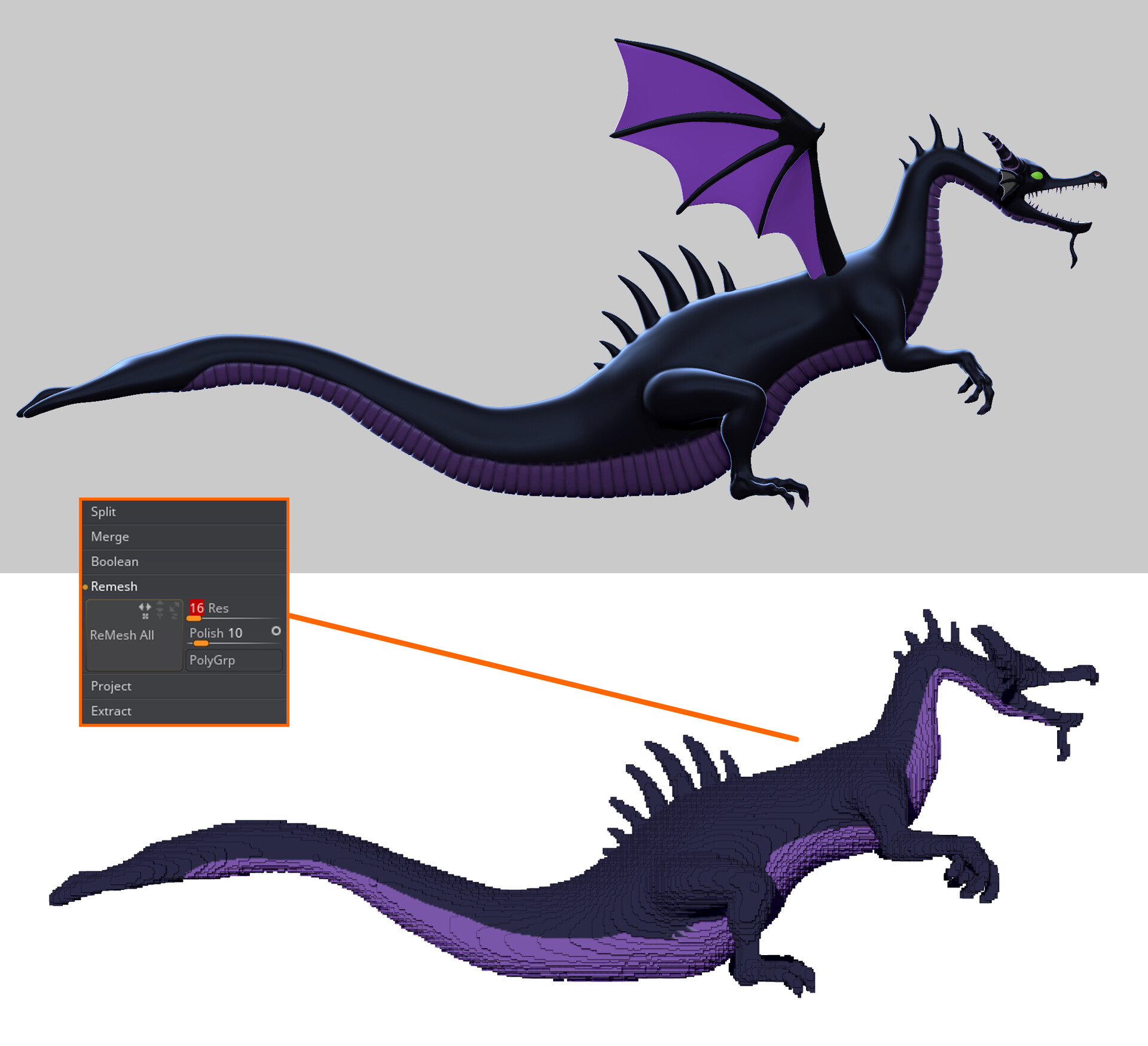
Once its sculpted, I was able to cheat this a little by using Subtool > Remesh algorithm to create a voxel-like surface from the sculpture...very handy to save time to make complex shapes a perfect lego build :)
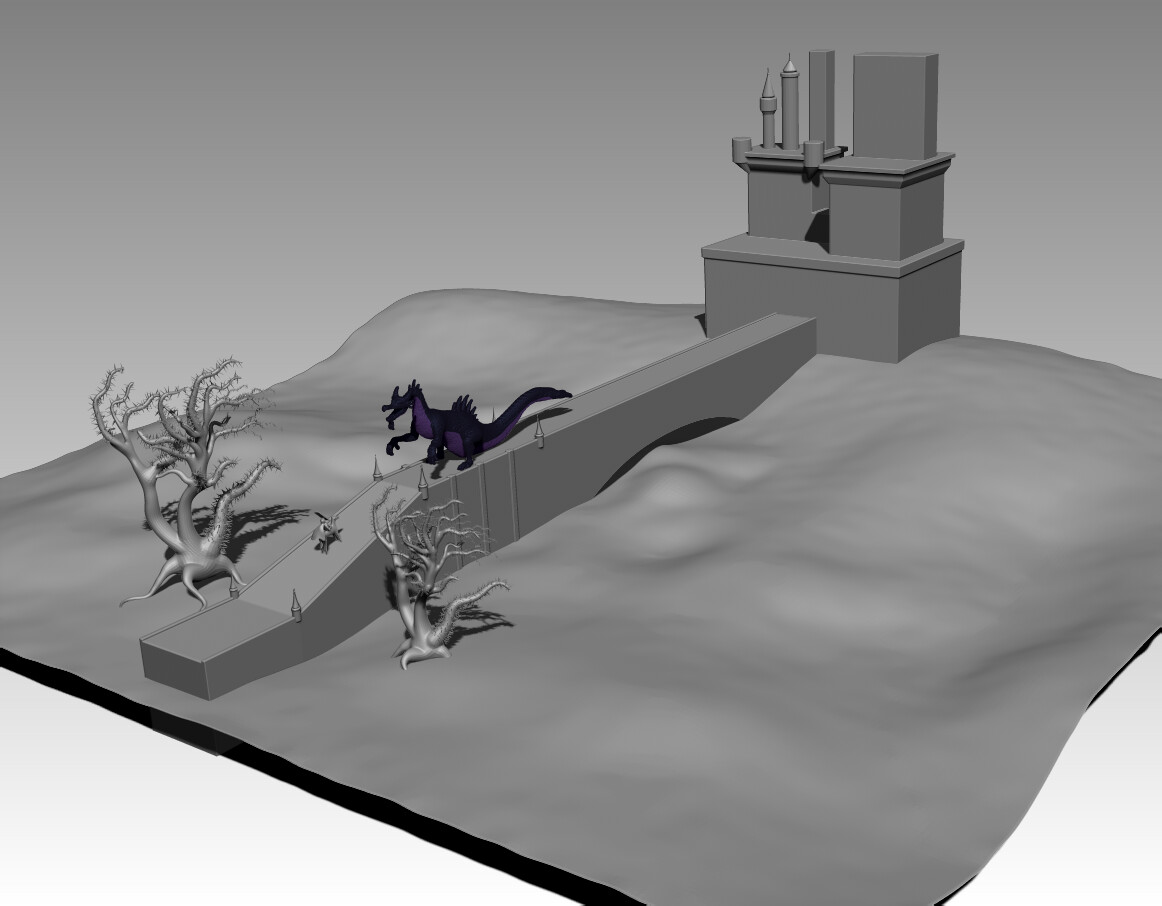
Early stages of setting up the scene